Responsive Devices Mockups
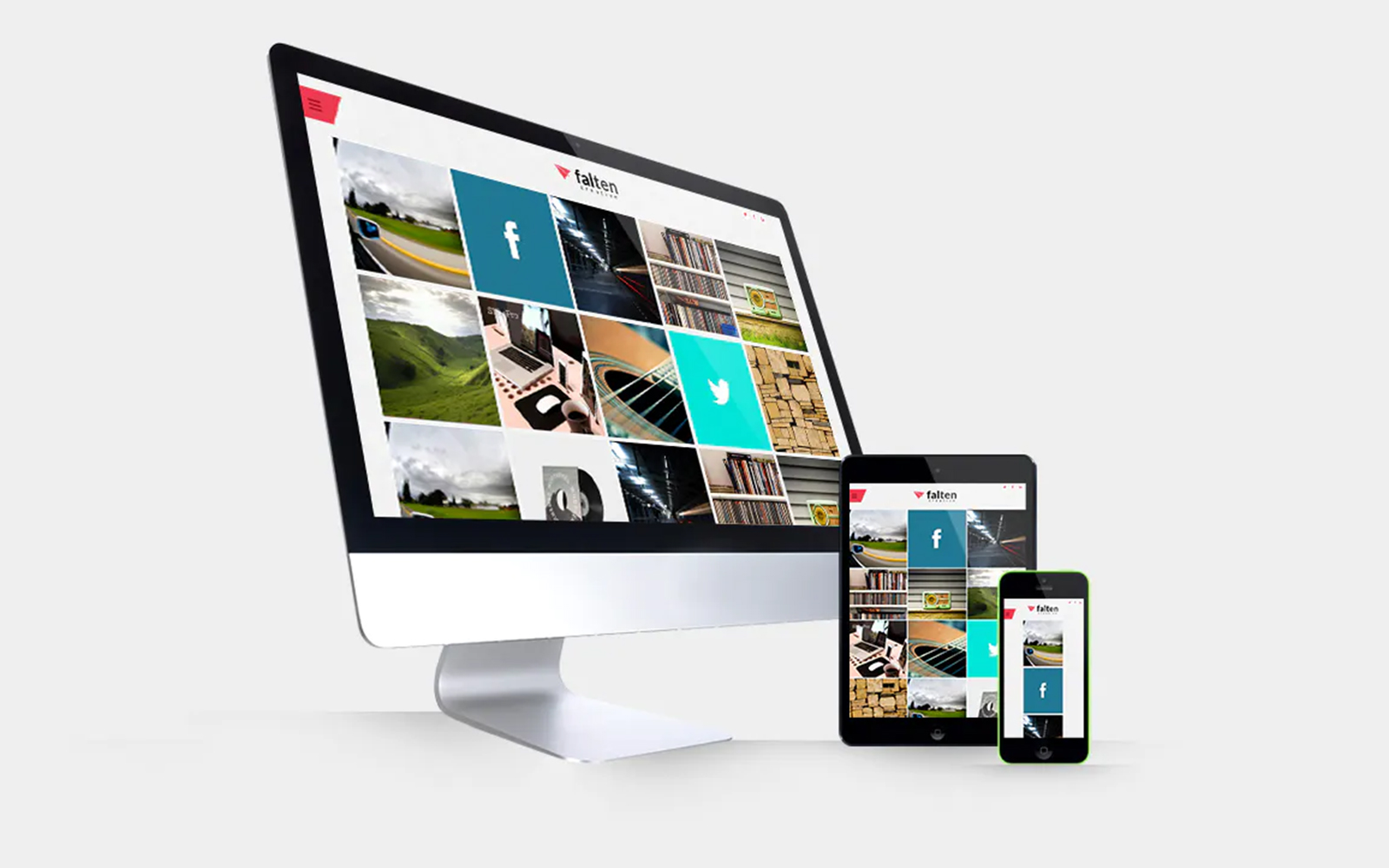
Hello and thank you for downloading the Responsive Devices Mockups Pack.
To get started, open the PSD in Adobe Photoshop.
The general file is based around the smart layers, found in the 'Screenshots' folder. Any changes you make to the screenshots in any of those 6 layers, will be reflected throughout the whole PSD. To edit the screenshots, double-click on one of the layer thumbnails in the layers palate, which will bring open a new file window. Paste in your screenshot and transform it accordingly. Once you hit save, you can close the document and see your new changes.
Depending on which screenshot you edited will depend on which devices have changed:
- Screenshot (iMac): Covers the 5 iMac
- Screenshot (Macbook): Covers the 4 Macbook Air and 4 Macbook Pro
- Screenshot (iPad Portrait): Covers 3 variations of the iPad in portrait view
- Screenshot (iPad Landscape): Covers 1 variation in the iPad in portrait view
- Screenshot (iPhone Portrait): Covers 9 variations of the iPhone 5 and 5s in portrait view
- Screenshot (iPhone Landscape): Covers 6 variations in the iPhone in portrait view
Of course, this comes in handy when you are wanting to display different content on different types of devices (for example, responsive layouts).
The first folder, 'Examples' contains 14 examples that have been created for you. You can simply copy and paste these into your project, or move them around to your liking first, cycling through each example to find the one you like the best.
The 'Mockups' folder contains all original devices. If you don't like the look of any of the examples, all of the devices that were made for this PSD have been put into that folder - so there should be something that you like.
Combining the mockups should provide a suitable method of displaying your showcase. The mockup sizes should be more than adequate for digital display.
Is it possible to have multiple designs on copies of the same device?
Of course. Simply select the screenshot layer in the device folder that you want to replace, and delete it. Paste in your new screenshot, and click Layer Create Clipping Mask.
-
Free 24/7
Support Team -
Ready Solutions
For Business -
Premium
Quality -
1 200 000+
Satisfied Customers
| "Template #" 301597 | |
| Тип: | Product Mockups |
| Author: | Javii |
| Downloads: | 0 |
| Keywords: business template design branding poster mockup product furniture office billboard paper frame wall texture screen mockups designertale frames glued |
| Template # 301597 |
| Type: Product Mockups |
| Author: Javii |
| Downloads: 0 |
| Keywords: business template design branding poster mockup product furniture office billboard paper frame wall texture screen mockups designertale frames glued |
tags: billboard, branding, business, design, frame, frames, furniture, mockup, mockups, office, product, screen, poster mockup, paper texture, poster template, wall mockup, paper mockup, frame mockup, designertale, glued poster mockup,
Topic: Design, Design & Photography,